
Découvrez les nouveaux économiseurs d’écran disponibles sur Apple TV.
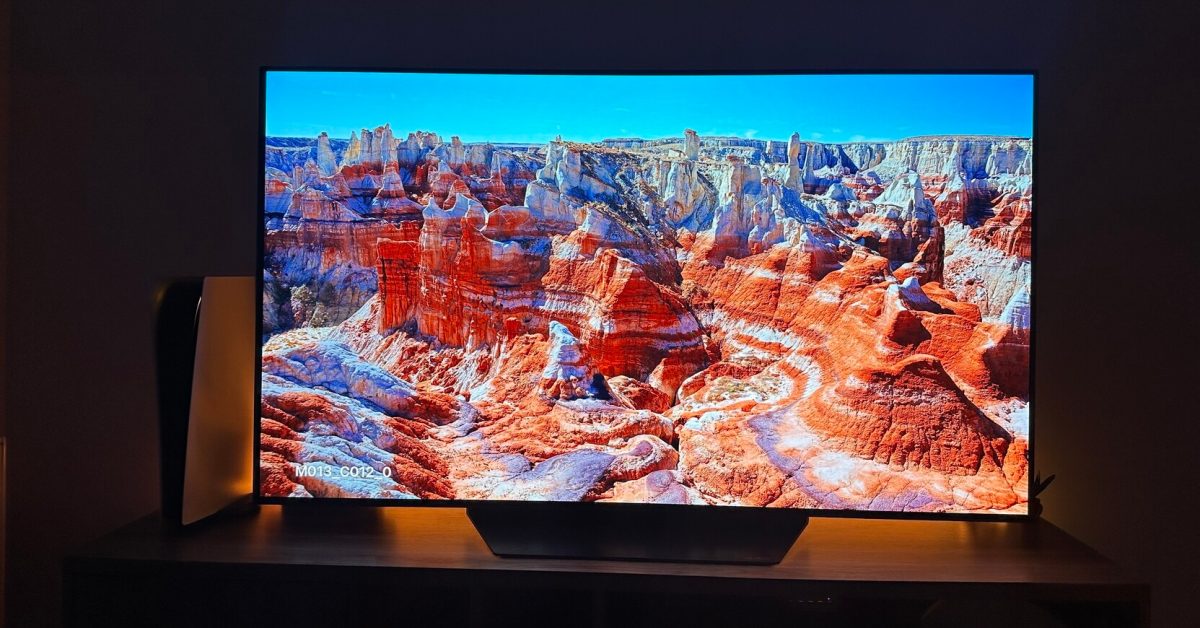
Apple TV users can now enjoy two new screen savers with the release of tvOS 17. These captivating 4K footage options showcase Arizona’s Monument Valley and California’s Coastal Redwoods. Apple has been gradually rolling out these screensavers to users since the launch of tvOS 17 on Monday.
New Screen Savers
With the release of tvOS 17 this week, Apple has introduced two stunning new screen savers for Apple TV users. These additions join the ever-growing selection of impressive 4K footage available to enhance the viewing experience on Apple TV.
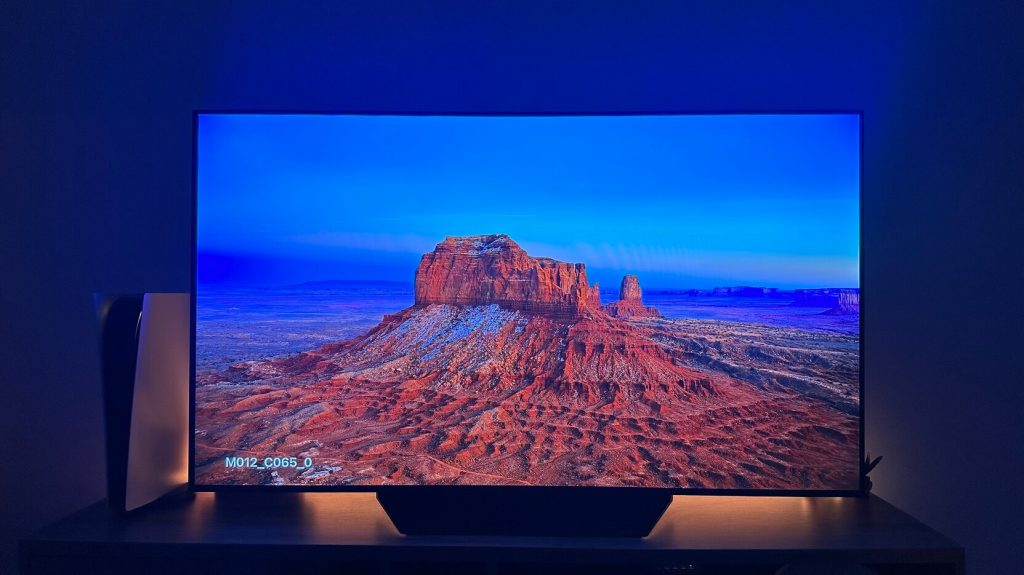
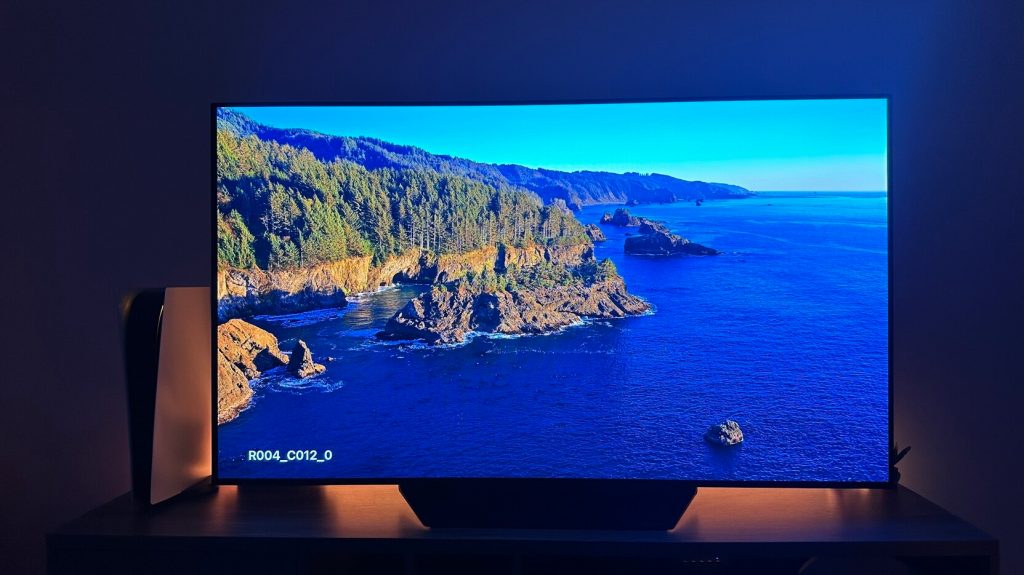
The new screensavers, featuring Arizona’s Monument Valley and California’s Coastal Redwoods, showcase slow-motion aerial footage in stunning 4K resolution. These breathtaking visuals will transport users to these magnificent locations and offer moments of relaxation in the comfort of their homes.
A Captivating Viewing Experience
The addition of these two new screensavers further elevates the viewing experience for Apple TV users. Each screensaver takes full advantage of the 4K resolution, providing crystal-clear images and vibrant colors. The slow-motion aerial footage allows users to immerse themselves in the beauty and serenity of these natural landscapes.
Personalization and Control
Apple TV users have the option to customize their screen saver experience based on their preferences. By tapping the trackpad on the Siri Remote, users can view location information for each screensaver. Additionally, users can swipe left or right on the Siri Remote to switch between different screensavers as they are playing.
Within the Settings app on Apple TV, users can adjust the number of minutes before a screensaver starts playing, allowing for personalized timing. Furthermore, users can choose how frequently new screensavers are downloaded to their Apple TV.
Enhanced Entertainment Experience
For those who enjoy listening to music on their Apple TV, it is now easier to control the playlist while a screensaver is playing. Simply tap the right or left side of the trackpad on the Siri Remote to play the next or previous song. This integration of audio control enhances the overall entertainment experience for Apple TV users.
 Post Views: 262
