
Découvrez RetroArch : l’émulateur de jeux rétro pour iPhone, iPad et Apple TV
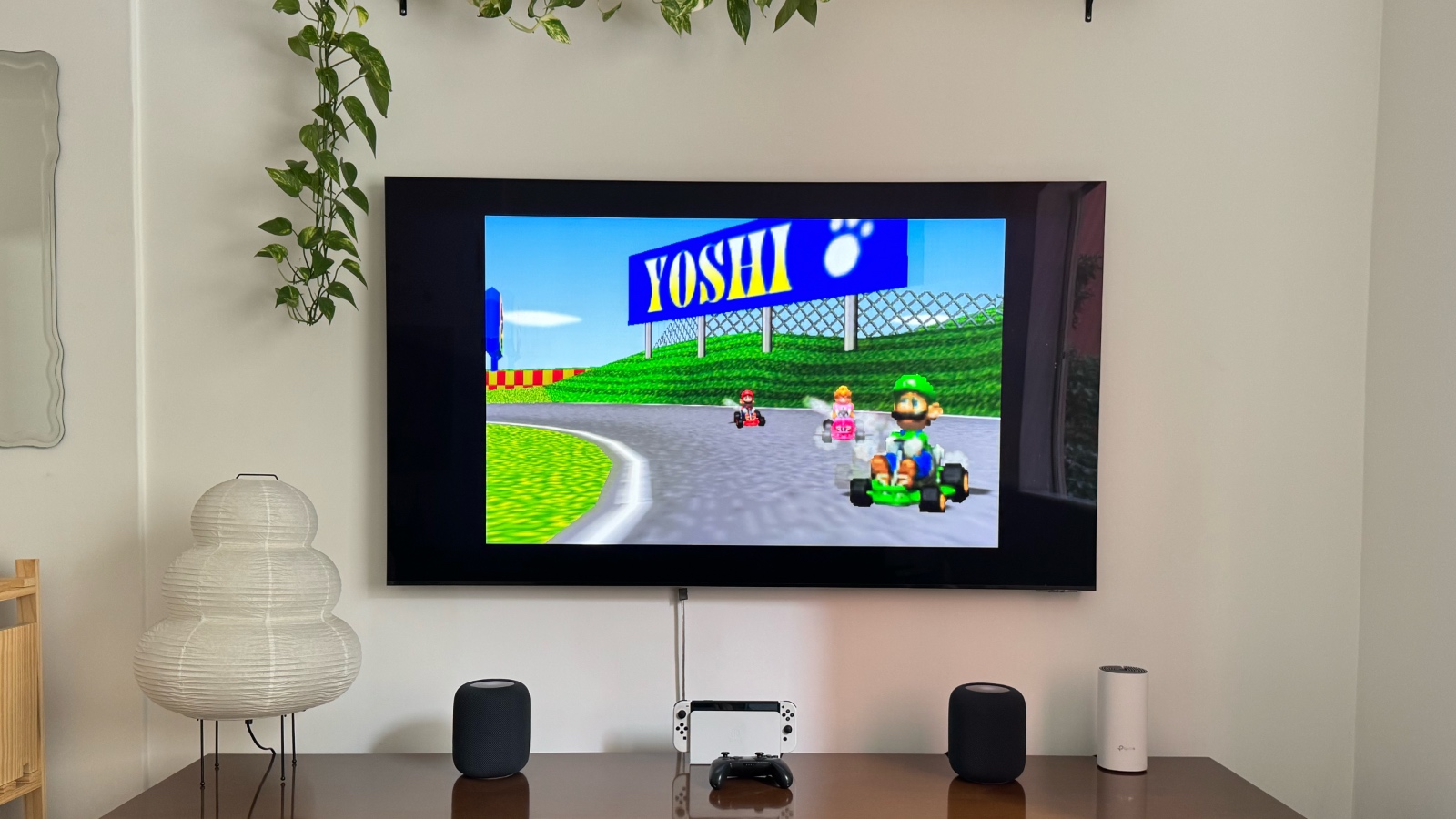
Retro game emulators are now available for iPhone users, thanks to a change in Apple’s rules prompted by complaints about Europe’s Digital Markets Act. Although the adoption of retro game emulators on the App Store is still slow, more options are beginning to emerge, such as RetroArch.
RetroArch: A Game Emulator for iPhone, iPad, and Apple TV
RetroArch, developed by Daniel de Matteis, is a free, ad-free, open-source, and cross-platform frontend/framework for emulators, game engines, video games, media players, and other applications. This emulator allows users to play games from consoles like Atari, Game Boy, Super Nintendo, PlayStation 1, and Nintendo 64 on their Apple devices.
The features of RetroArch include:
– Netplay
– Soft patching
– RetroAchievements
– Save states
– MFi controller support
– Key remapping per core or per game
– Gyro
– Cheats
– Custom overlays
– Shaders
– Fast forward and rewind
– Game artwork
– AI translations
– Advanced latency management
How to Play ROMs with RetroArch
Playing ROMs with RetroArch is not complicated, despite its 90s-style interface. Here’s how:
1. Open the RetroArch app on your Apple TV and import files from the directories provided.
2. Access the http://TV.local/ link on your iPhone connected to the same network as your Apple TV.
3. Navigate to Apple TV > RetroArch > downloads folders and upload the ROM files you want to play.
4. Open the RetroArch app on your Apple TV and locate the uploaded ROM files to start playing.
To enhance your gaming experience, it is recommended to use a Made for iPhone controller, such as the PlayStation 5 or Xbox One.
While RetroArch for Apple TV is still in its early stages, with some issues like sound quality to be addressed in future updates, it represents a significant step in turning Apple TV into a true gaming console. RetroArch can be found on the App Store.
Source : bgr.com
